
How to Delete a Craigslist Ad
Overview
This article walks through deleting an ad directly through Craigslist.org.
Please note: If you posted your ad using PostEngine's Scheduled Posting feature and have live-ad editing enabled, it's faster to delete it from the Scheduled Posts tab instead — see Editing and Deleting Live Ads. Use the steps below only if that option isn't available to you.
Deleting an ad on Craigslist
-
Head to craigslist.org and on the top right-hand side, click acct.
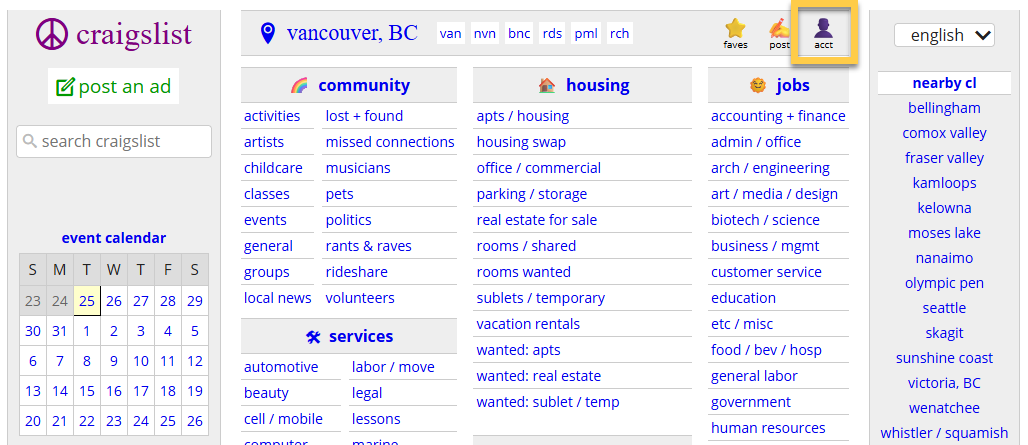
- Enter your credentials and log into Craigslist (if necessary).
-
On the my account page, you’ll see a list of all ads that have been posted in your account. Click the delete button beside the ad you would like removed. Your post has now been deleted from Craigslist!


Troubleshooting
I don't know my Craigslist credentials.
Your Craigslist credentials can be found on your PostEngine Settings page! If you need help locating them please click here.